StockLedger workflow
Prepare a clean, searchable grocery catalog
Set units or case sizes, SKU or barcode, purchase and selling prices, opening quantity, and reorder level. Clear product naming and tested labels help counter staff find high-frequency items quickly without creating duplicate products.
StockLedger workflow
Receive stock and preserve supplier balances
Purchase receive records the supplier, quantity, cost, and document before stock becomes available. Purchase returns, payments, discounts, statements, and dues keep the supplier side connected with the inventory history.
StockLedger workflow
Bill quickly while retaining customer context
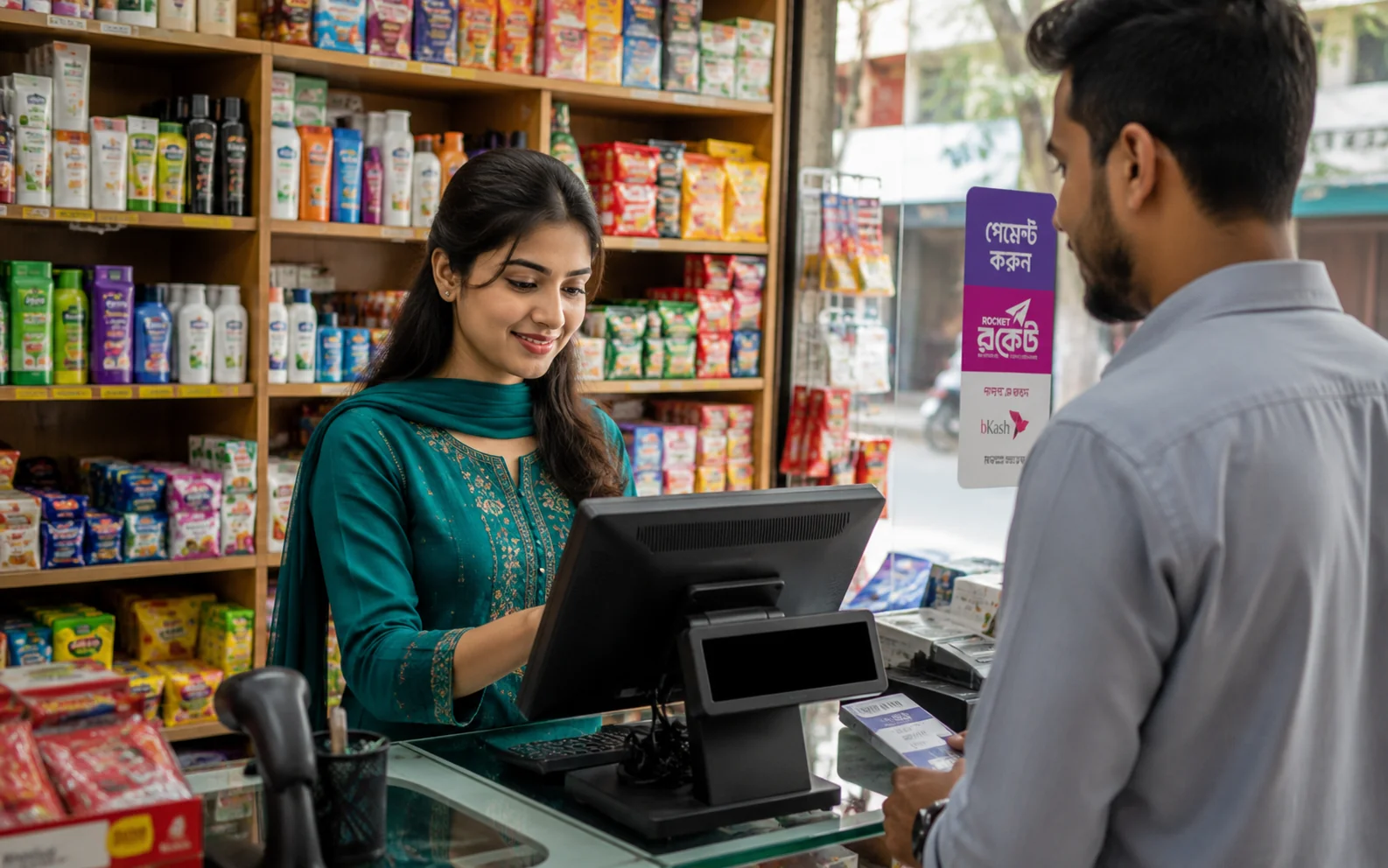
Search by name, SKU, or barcode, complete cash or due sales, and print a receipt. Sales returns distinguish good and damaged quantity, while customer collections and statements keep neighborhood credit balances traceable.
StockLedger workflow
Close the counter and plan replenishment
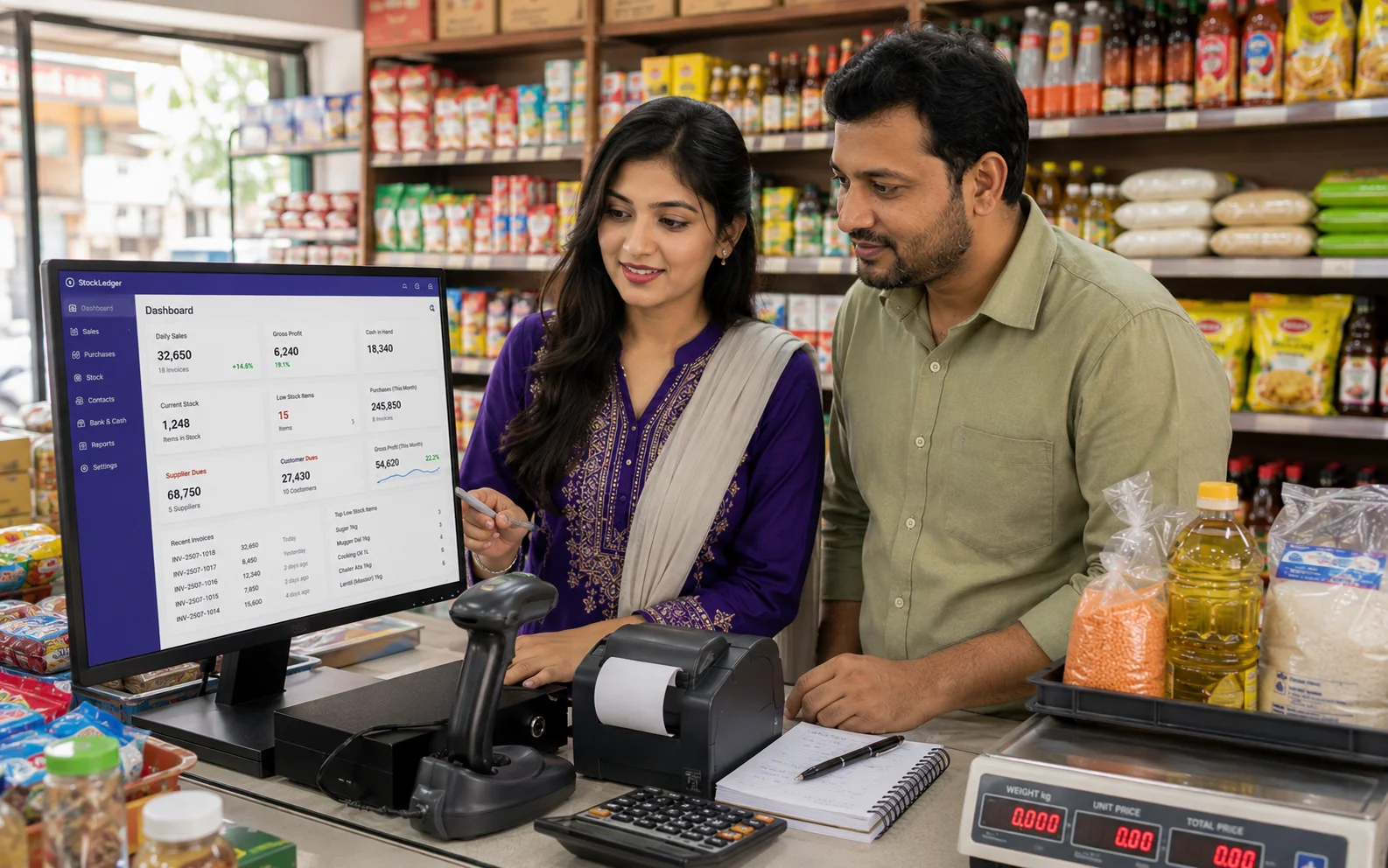
Cash sessions compare expected and counted cash. Daily sales, expenses, profit, stock movement, and low-stock alerts help the owner prepare purchases, but staff still need shelf counts, correct reorder levels, and investigation of cash or stock differences.
Buying guide
How to evaluate this type of software
Buyers usually land on this page when the current workflow has become too manual, too slow, or too disconnected from daily reporting. They are not just looking for a feature list. They want to know whether Grocery Stores can stay connected with sales, stock, due, purchasing, finance, user control, and management reporting.
That is where StockLedger is different from a narrow single-purpose tool. It is designed for businesses that want one operational system instead of separate apps that have to be reconciled later. For many teams in Bangladesh, that means fewer duplicate entries, better owner visibility, and cleaner day-end or month-end review.
Expected outcomes
What usually improves after implementation
Cleaner sales, stock, purchase, and due control for a busy grocery operation.
Better day-end clarity around cash, sales, and customer balances.
A simple starting point that can expand as the shop grows.
Connected modules
What businesses usually connect next
The clearest buying guides connect each requirement to the wider operation. A company that needs Grocery Stores rarely needs it in isolation. Most teams also ask about reporting, finance visibility, stock accuracy, collection control, role permissions, or route accountability.
Frequently asked questions
Is this too complex for a grocery store?
No. Start with products, purchases, billing, stock, dues, cash sessions, and daily reports, and enable other modules only when needed.
Can a barcode scanner be used at the counter?
Sales search supports product barcode values and keyboard-style scanner input. Test the actual scanner, labels, device, printer, and connection first.
Can I track supplier purchases and balances?
Yes. Purchase receive, returns, payments, discounts, statements, and supplier dues are supported.
Can I manage customer due sales?
Yes. Due invoices, later collections, returns, and customer statements remain connected.
How do stock alerts work?
Each product’s recorded stock is compared with its configured reorder level. The alert is only reliable when stock movements and reorder settings are accurate.