Buyer requirement
Keep high-frequency billing simple
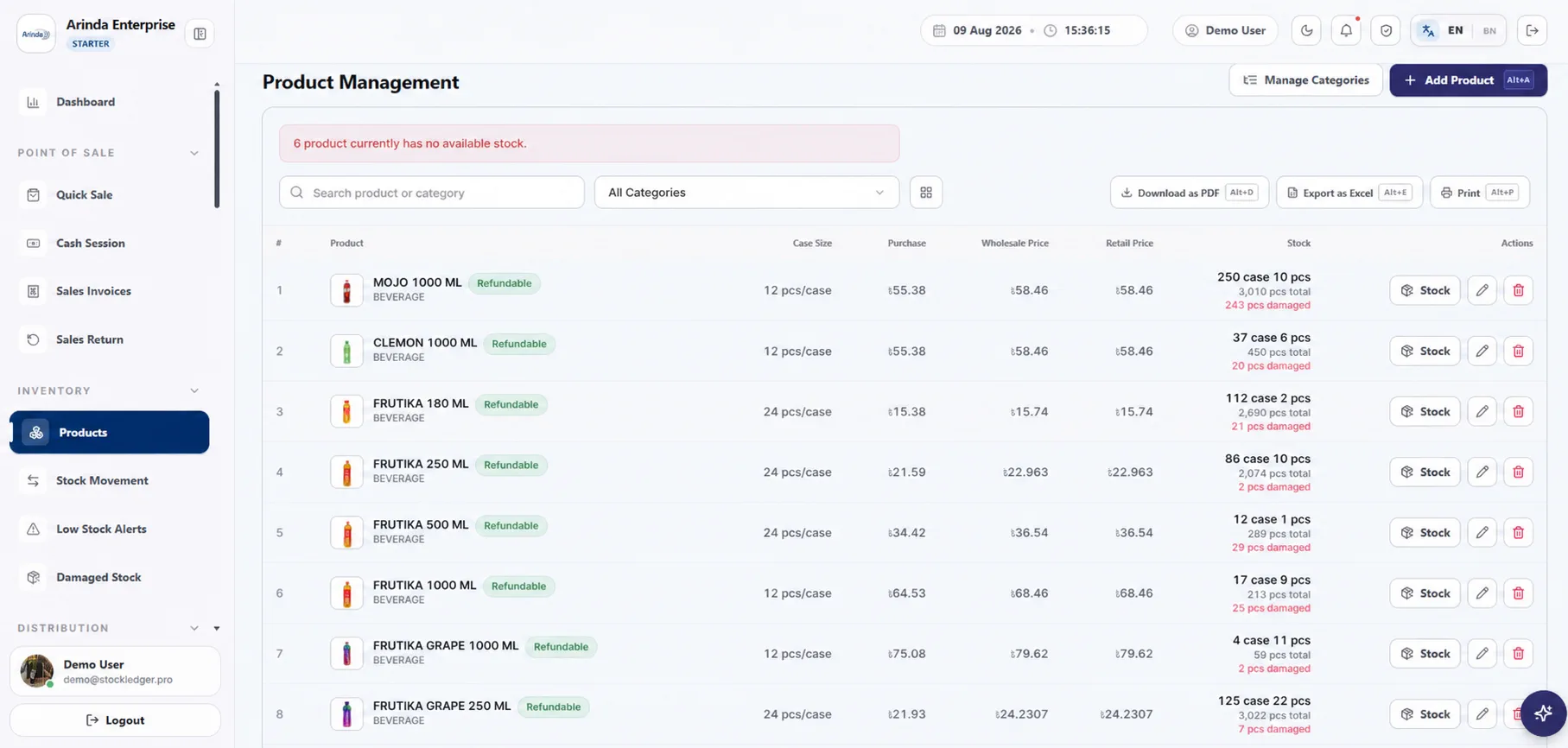
Find items by name, SKU, or product barcode, add the quantity, select the payment position, and print the receipt. Compatible keyboard-input scanners can feed barcode search, but the store should test its exact scanner, product labels, printer, connection, and receipt width before rollout.
Buyer requirement
Receive purchases before stock reaches the shelf
Record the supplier, quantities, cost, and purchase document when goods arrive. Purchase returns, supplier payments, discounts, statements, and balances preserve the path from receiving to what the store still owes.
Buyer requirement
Handle returns and neighborhood due sales
Sales returns record good or damaged quantity and update the related history. Due sales remain tied to the customer, while collections and statements help the owner follow outstanding balances instead of relying on memory or a separate notebook.
Buyer requirement
Use closing and alerts as daily checks
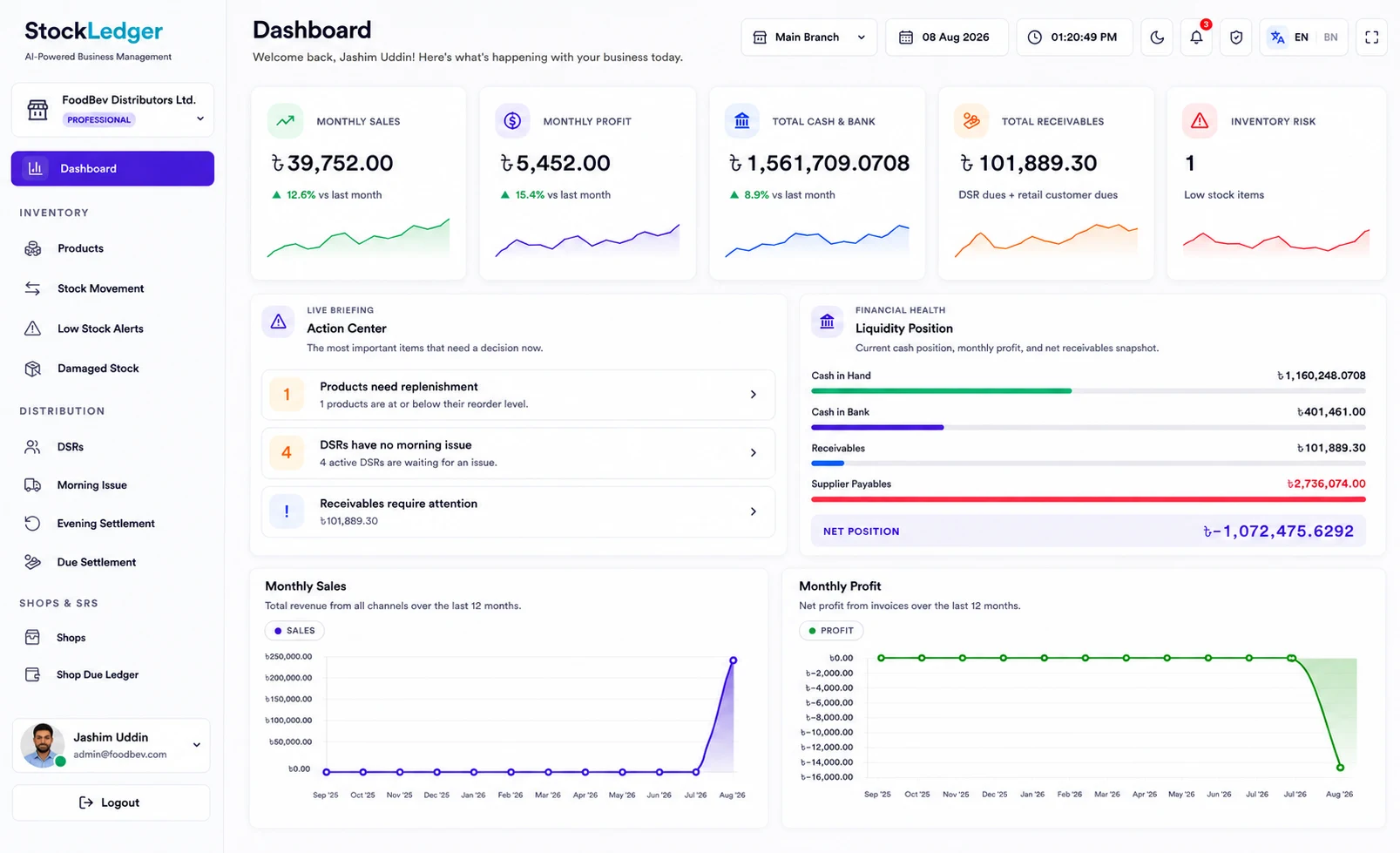
Cash sessions show opening cash, recorded cash sales, counted cash, and variance. Daily sales, expenses, profit, stock movement, and low-stock alerts help the owner prepare the next purchase; alert quality depends on correct reorder levels and complete transaction entry.
Evaluation checklist
Match the software to the way your team actually works
List the transactions, approvals, reports, user roles, devices, data migration needs, and support expectations your business depends on. Test those requirements with realistic sample records, then use the linked StockLedger feature and solution pages to examine the relevant workflows in detail.
Frequently asked questions
Can a small grocery start with only billing and stock?
Yes. The store can begin with products, purchases, billing, stock, due customers, and cash sessions, then add broader reporting and accounting later.
Does StockLedger support product barcodes?
Yes. Products have barcode values and sales search matches them. Test the exact keyboard-input scanner and label quality before launch.
Can I sell on due and collect later?
Yes. A due sale, later collection, and customer statement remain connected to the customer record.
Can I see low-stock items?
Yes. Low-stock alerts compare recorded stock with each product’s configured reorder level. They do not replace shelf counts or reorder decisions.
What should staff do at daily closing?
Close the cash session with counted cash, review the variance, confirm returns and due sales, check low stock and expenses, and investigate any missing or incorrectly classified transaction.