StockLedger workflow
Move from product selection to a recorded sale quickly
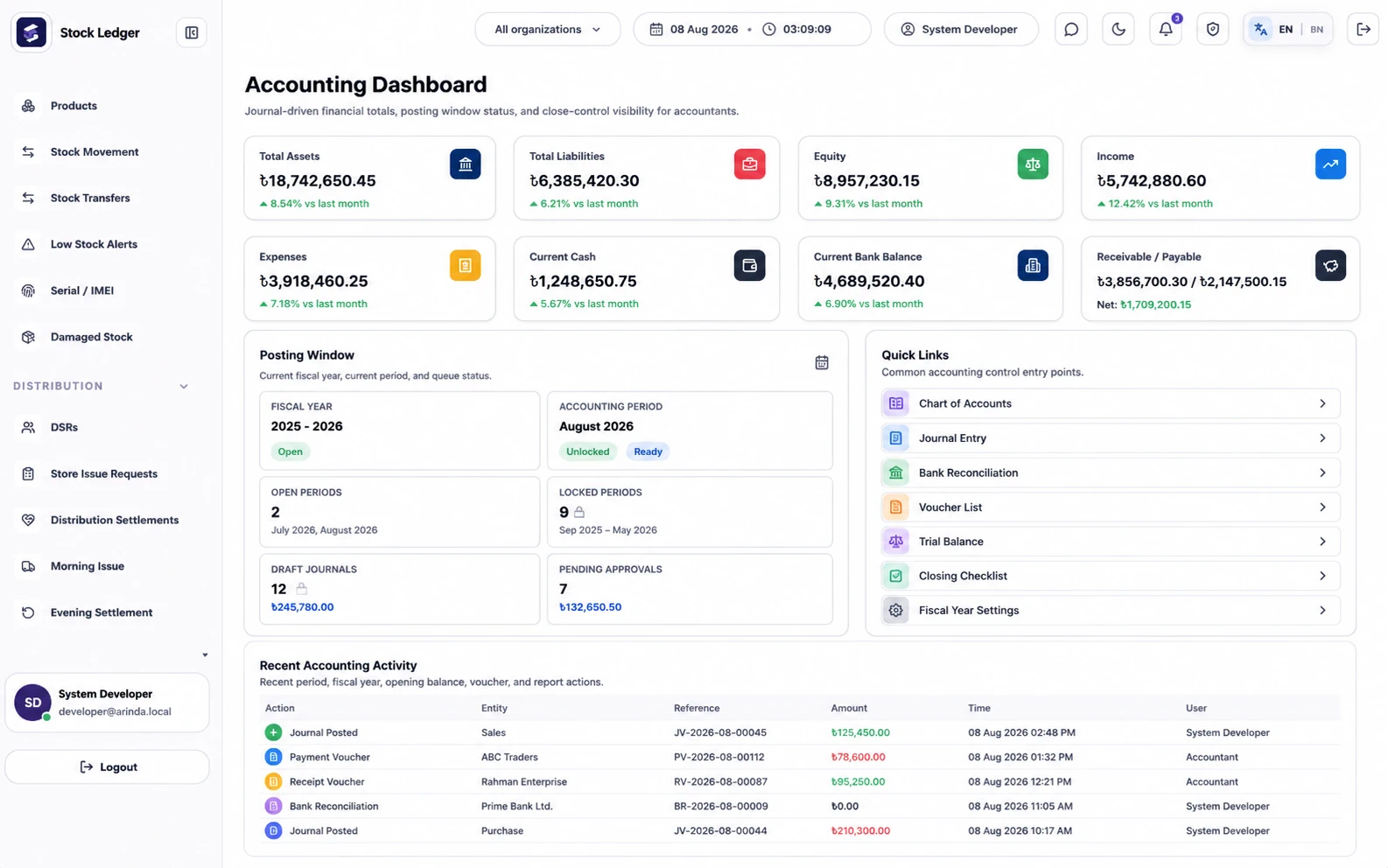
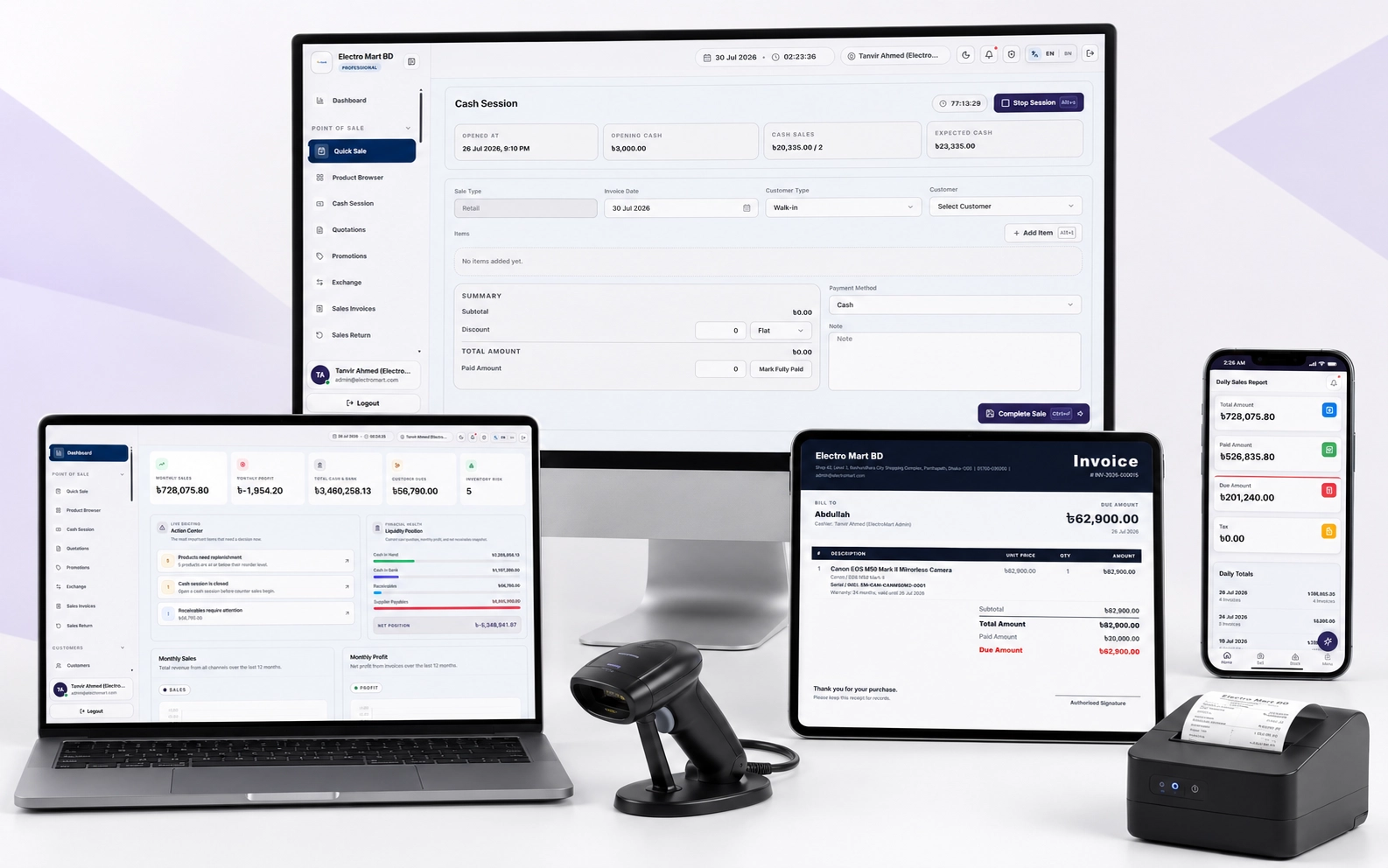
Find or scan a product, confirm quantity and price, choose the payment method, and complete the sale. StockLedger records the transaction, updates stock, and produces a printable invoice or receipt from the same workflow.
StockLedger workflow
Keep cash, card, and due sales distinguishable
Record how the customer paid instead of treating every invoice as cash. Customer dues and later collections stay tied to customer records, while cash sessions support a clearer day-end review.
StockLedger workflow
Handle returns as part of the sales history
Sales returns and controlled edits preserve the operational trail. Managers get better context when stock, customer balances, or collected cash differs from expectation.
StockLedger workflow
Prepare the counter before staff start billing
Setup requires products, prices, opening stock, payment methods, users, permissions, and a tested receipt format. A supported device and printer connection are practical requirements; barcode scanners and cash drawers are optional based on volume.
Buying guide
How to evaluate this type of software
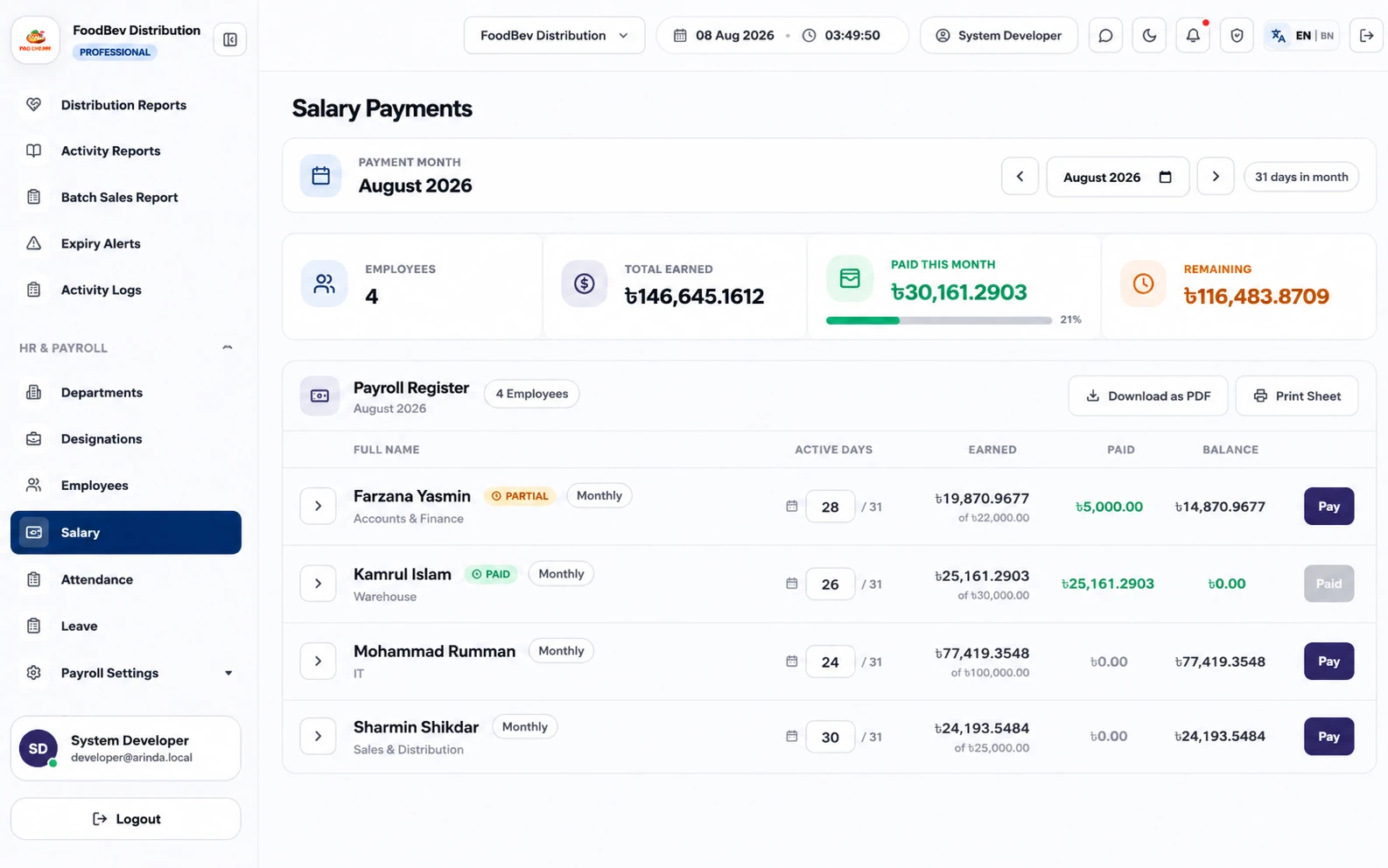
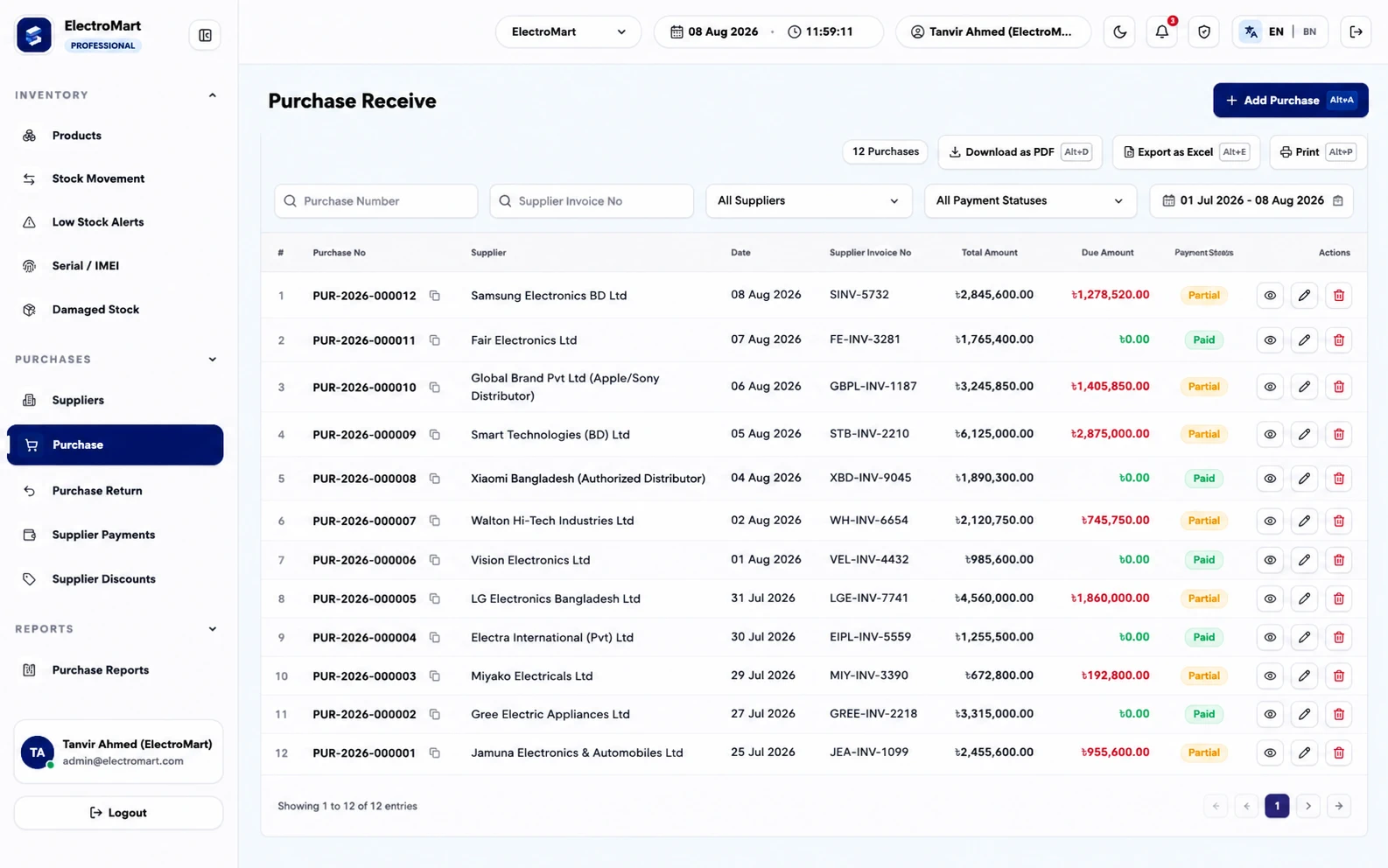
Buyers usually land on this page when the current workflow has become too manual, too slow, or too disconnected from daily reporting. They are not just looking for a feature list. They want to know whether Retail POS can stay connected with sales, stock, due, purchasing, finance, user control, and management reporting.
That is where StockLedger is different from a narrow single-purpose tool. It is designed for businesses that want one operational system instead of separate apps that have to be reconciled later. For many teams in Bangladesh, that means fewer duplicate entries, better owner visibility, and cleaner day-end or month-end review.
Expected outcomes
What usually improves after implementation
Faster billing with better visibility into sales, stock, and customer balance changes.
Cleaner daily closing through cash sessions, receipts, and daily sales reporting.
A retail workflow that can grow from one counter to a more controlled team setup.
Connected modules
What businesses usually connect next
The clearest buying guides connect each requirement to the wider operation. A company that needs Retail POS rarely needs it in isolation. Most teams also ask about reporting, finance visibility, stock accuracy, collection control, role permissions, or route accountability.
Frequently asked questions
Can I print invoices and receipts?
Yes. StockLedger supports printable invoices, receipts, and sales records.
Does a sale update stock?
Yes. Sales workflows update inventory records and reporting visibility.
Can POS handle due sales too?
Yes. Retail sales, due balances, collections, and customer statements can work together.
What hardware do I need?
You need a supported device and a printer for paper receipts. Barcode scanners and cash drawers are optional and should be tested before rollout.
Will POS prevent every cash or stock difference?
No. Staff must still use the correct account, payment method, return process, and day-end procedure consistently.