
Buyer requirement
Test billing with the products your counter actually sells
Search by product name, SKU, or barcode, add case or piece quantities, choose cash or due payment, print the receipt, and process a return. Product barcodes work through sales search, so test the exact keyboard-input scanner, labels, printer, connection, and Bangla receipt format before buying.
Buyer requirement
Connect purchase receiving with stock and suppliers
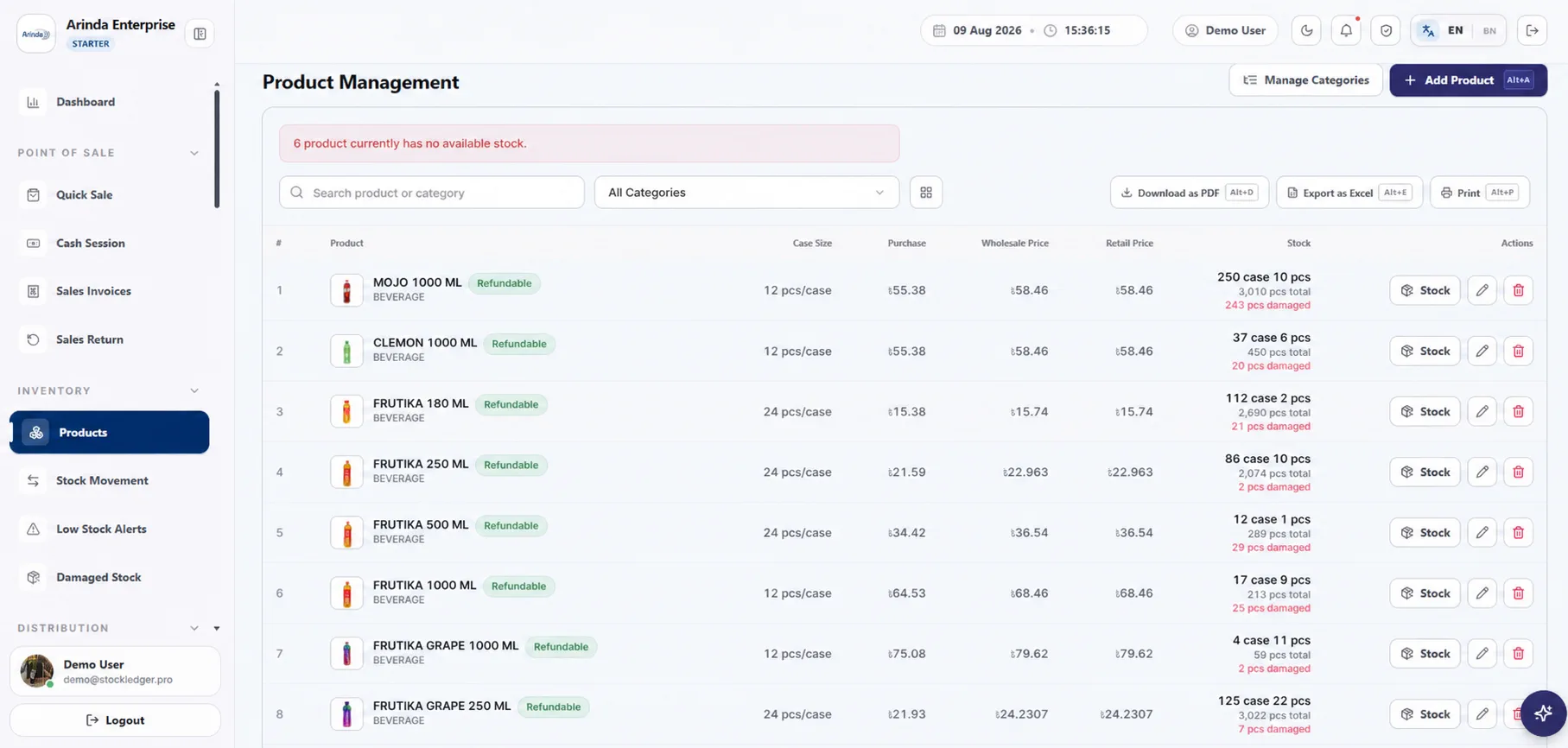
Purchase receive adds stock with supplier, quantities, cost, and document history. Purchase returns, supplier payments, discounts, statements, and balances help the owner understand what is on hand and what remains payable instead of maintaining a separate supplier notebook.
Buyer requirement
Keep due sales and customer collections traceable
A due sale remains tied to the customer and invoice. Later collections, customer statements, and sales returns update the record trail, making it easier to explain an outstanding balance than a single handwritten total.
Buyer requirement
Close cash and respond to stock alerts
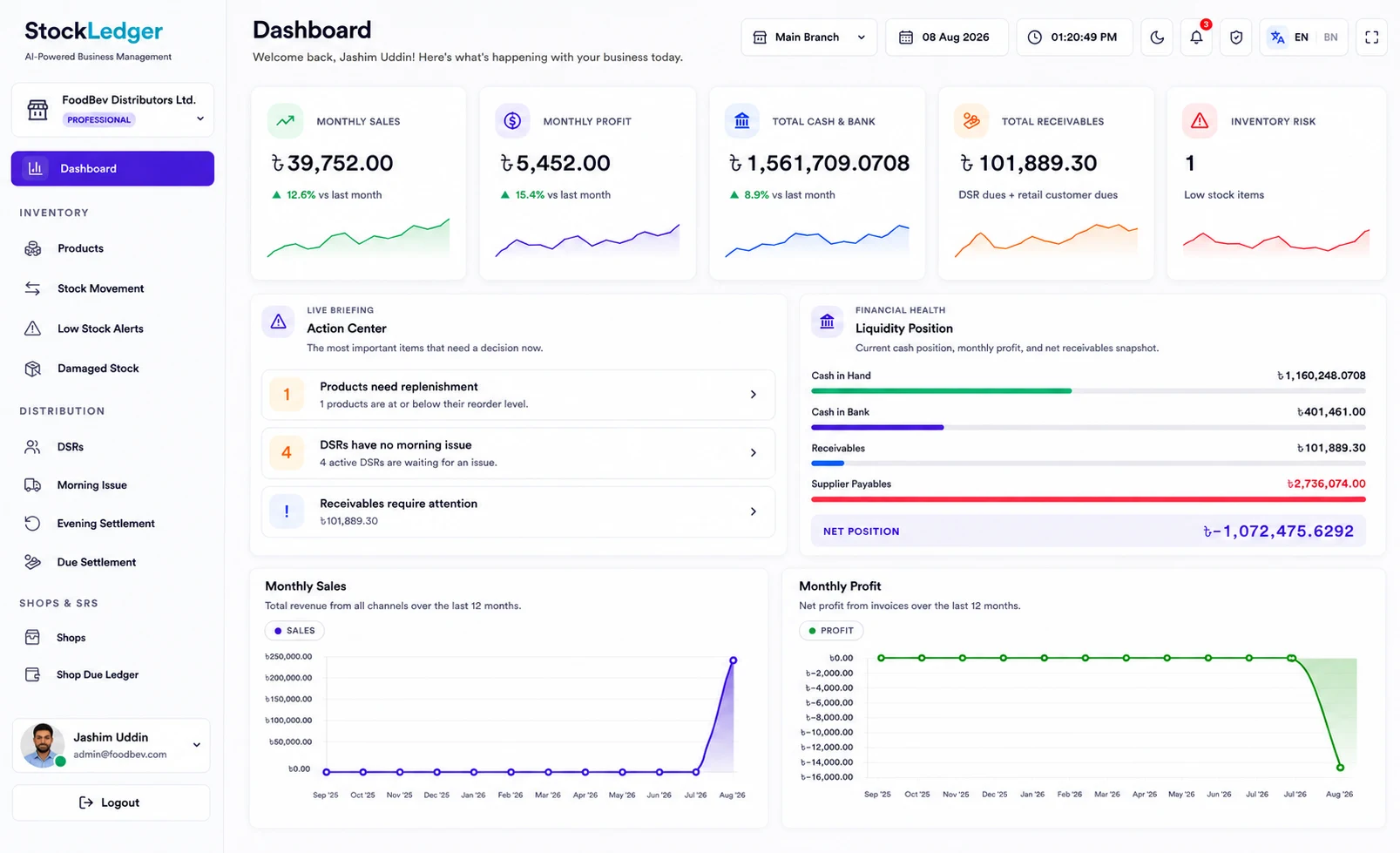
A cash session compares opening cash plus recorded cash sales with counted cash and shows the variance. Daily sales, expenses, profit, stock movement, and low-stock alerts support owner review; reorder alerts depend on correct reorder levels and complete purchase, sale, and return entry.
Evaluation checklist
Match the software to the way your team actually works
List the transactions, approvals, reports, user roles, devices, data migration needs, and support expectations your business depends on. Test those requirements with realistic sample records, then use the linked StockLedger feature and solution pages to examine the relevant workflows in detail.
Frequently asked questions
Can a small shop start with only core workflows?
Yes. Start with products, billing, purchases, stock, customer due, cash sessions, and daily reports, then enable wider modules later.
Can I scan product barcodes?
Product barcode values are searchable in the sales form. Test your exact keyboard-input scanner and labels because hardware compatibility depends on the device and connection.
Do cash and due sales both update stock?
Yes. Recorded sales update stock while the payment position determines whether a customer balance remains due.
Can I manage supplier balances and purchase returns?
Yes. Purchase receive, purchase return, supplier payment, discount, statement, and due workflows are available.
Does daily closing guarantee the cash is correct?
No. It calculates expected cash from the session opening and recorded cash sales. Staff must count physical cash and investigate the displayed variance and any activity outside that scope.