Buyer requirement
Choose it when the counter must update more than a receipt
StockLedger fits counters that need billing connected with stock, customer dues, returns, cash sessions, and reporting. A shop seeking only an offline calculator-style receipt tool may need a simpler product.
Buyer requirement
Test checkout and closing with a real sale
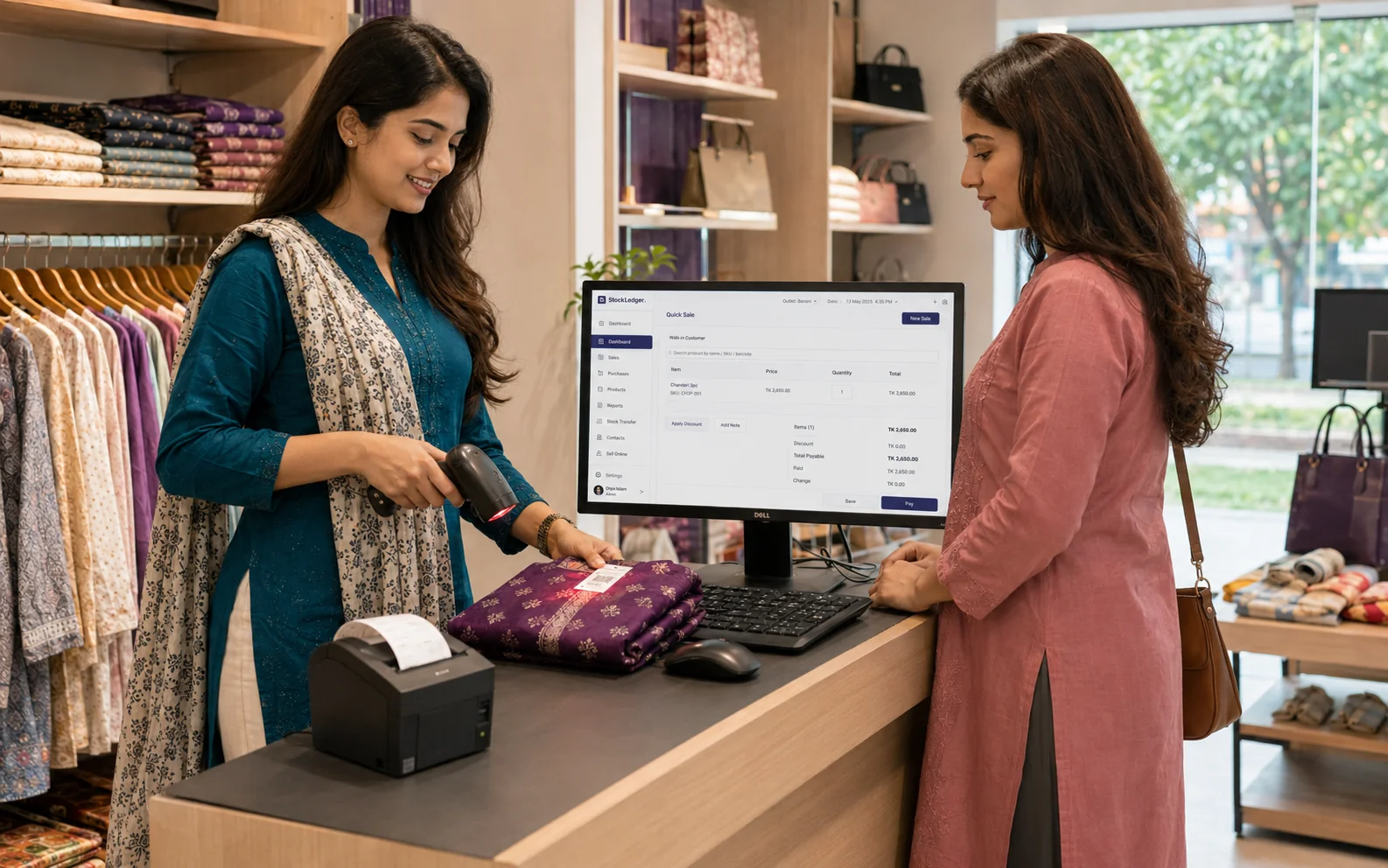
In the demo, scan or select products, take cash or non-cash payment, print a receipt, create a due sale, process a return, and review stock and the cash session. This tests the workflow for both counter staff and owners.
Buyer requirement
Confirm setup, hardware, and operating rules before launch
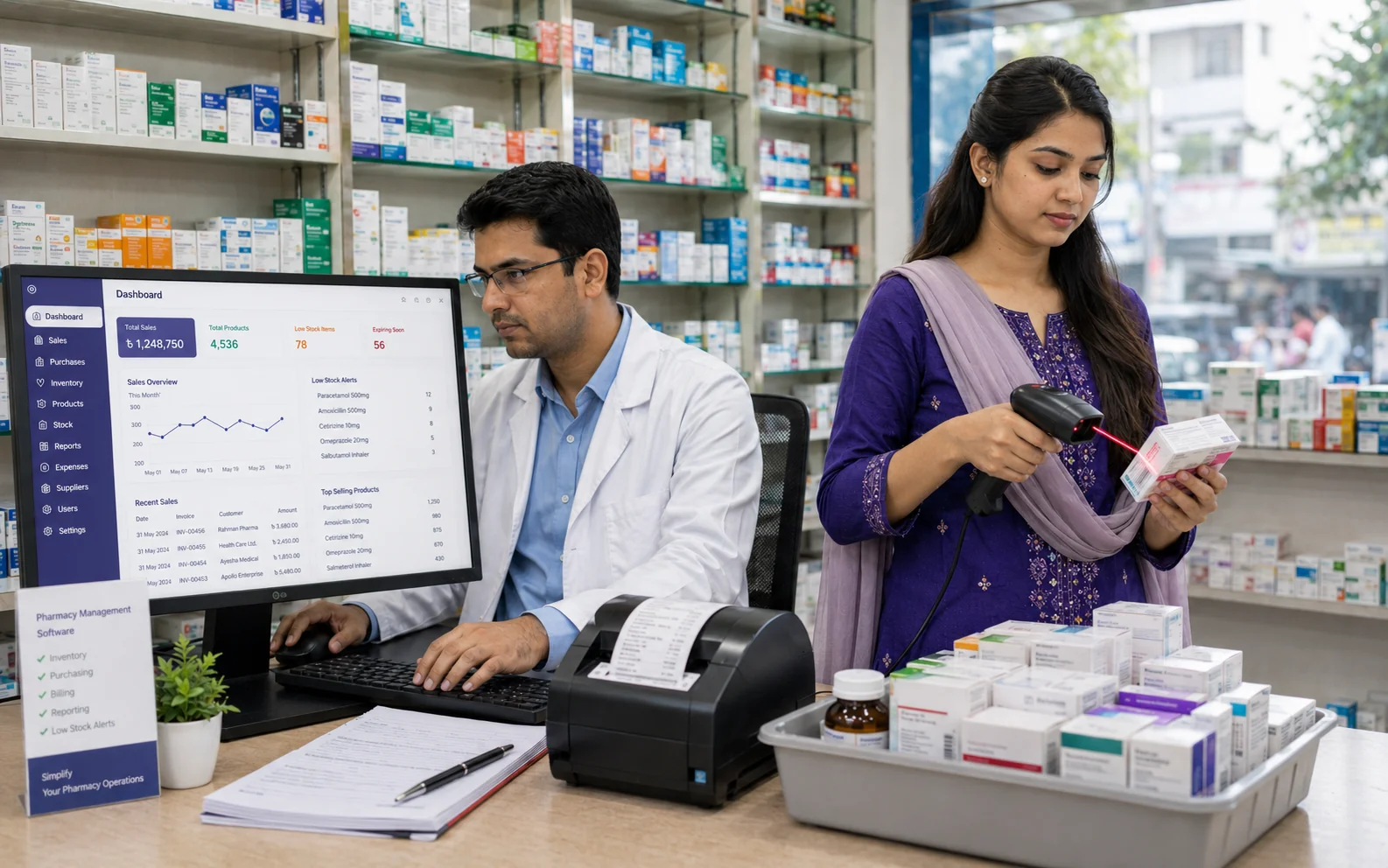
Prepare products, prices, opening stock, payment methods, receipt details, users, permissions, discounts, returns, dues, and closing rules. Test the exact printer, scanner, connection, receipt width, and Bangla output. POS cannot prevent skipped sales, shared credentials, or incorrect payment selection without training and supervision.
Evaluation checklist
Match the software to the way your team actually works
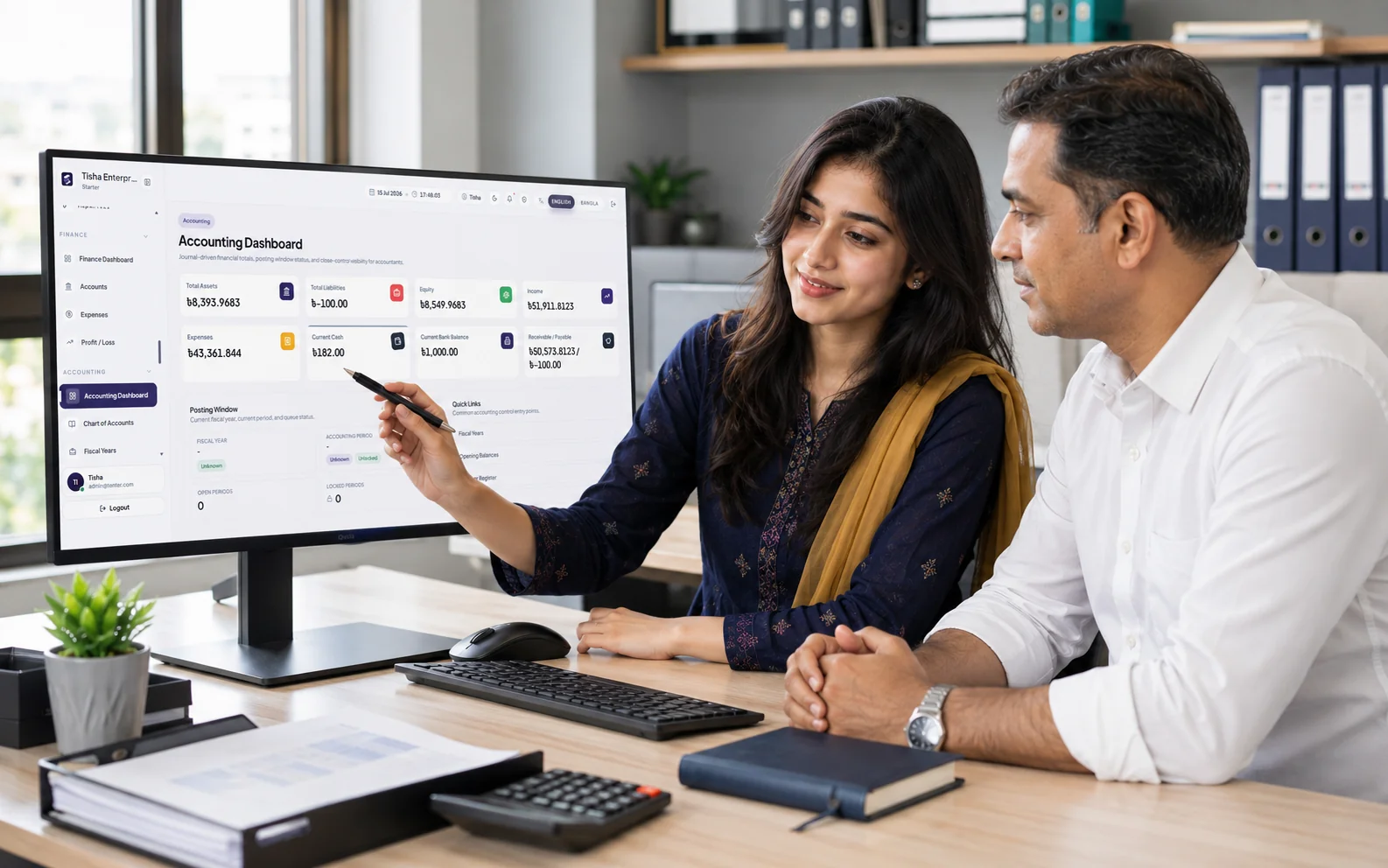
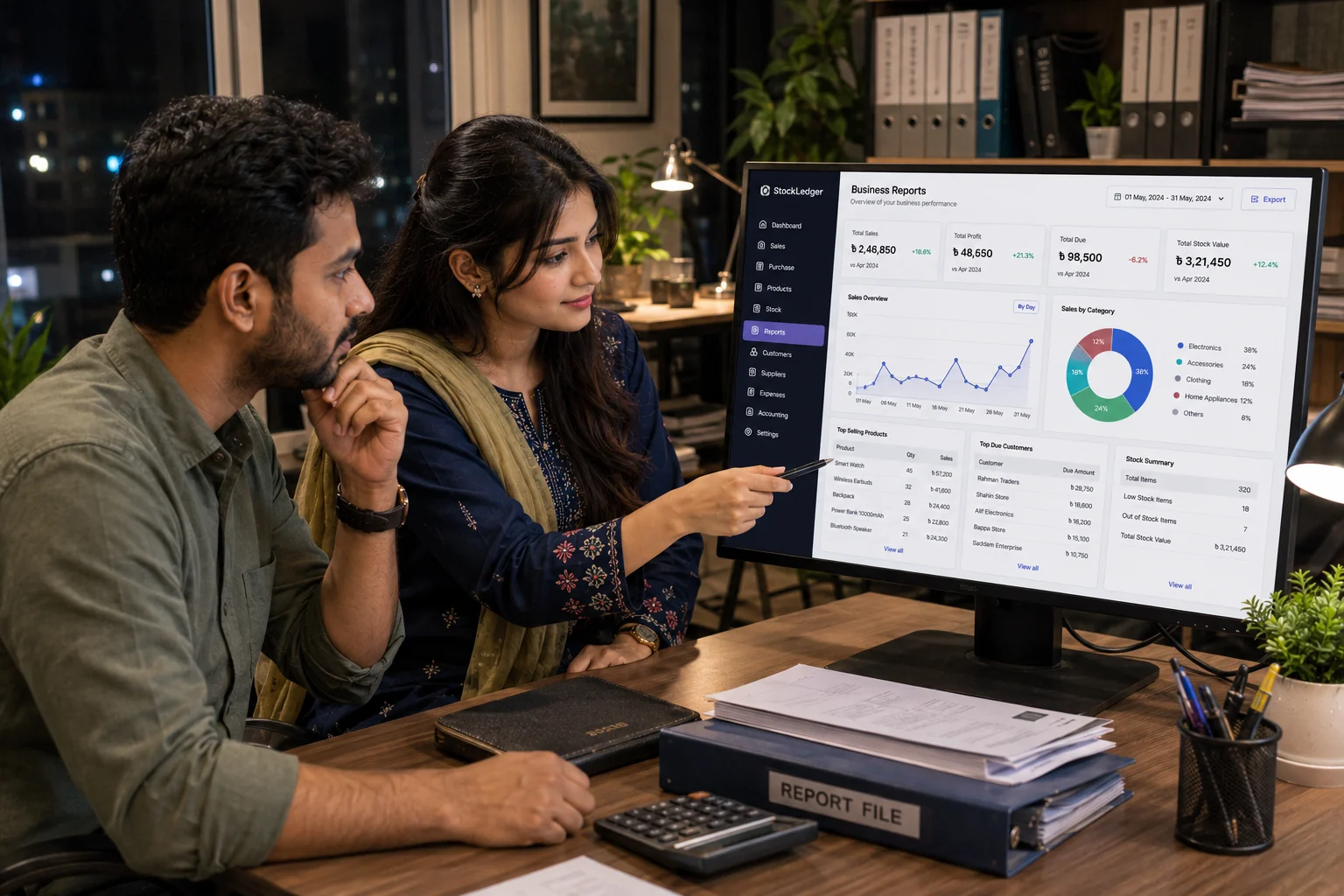
List the transactions, approvals, reports, user roles, devices, data migration needs, and support expectations your business depends on. Test those requirements with realistic sample records, then use the linked StockLedger feature and solution pages to examine the relevant workflows in detail.
Frequently asked questions
Can POS handle due sales too?
Yes. Due balances and collections can stay tied to sales records.
Can I print receipts and invoices?
Yes. Printable billing workflows are supported.
Which businesses are the best fit?
Retail shops, groceries, pharmacies, electronics stores, and mixed retail-wholesale counters are strong fits when sales must connect with stock, dues, cash review, and reporting.
Will my existing printer and scanner work?
Compatibility depends on the device, connection, print width, and environment. Test the exact hardware, receipt format, and Bangla output before buying.
What should happen before staff go live?
Verify products and prices, create individual users and permissions, test payments, returns and printing, train staff, and complete a supervised day-end close.